

S.T.A.G.E. Enhanced Audio: Auracast™ Support
At S.T.A.G.E., we believe every performance should be heard with crystal clarity. We are proud to offer Auracast™ broadcast audio, a cutting-edge assistive listening technology that streams high-quality sound directly to your ears.
What is Auracast™?
Auracast™ is a new Bluetooth® capability that allows us to broadcast the theater’s audio directly to an unlimited number of compatible devices.
Visit Bluetooth.com to learn more about Auracast™
How to Connect
HEARING AID | OPTION 1
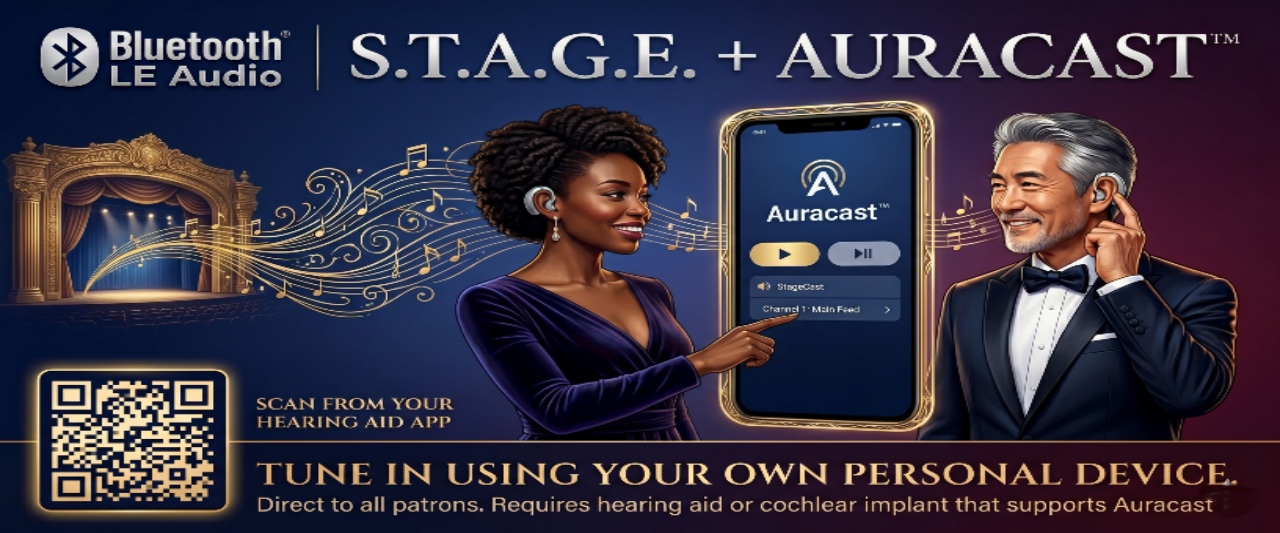
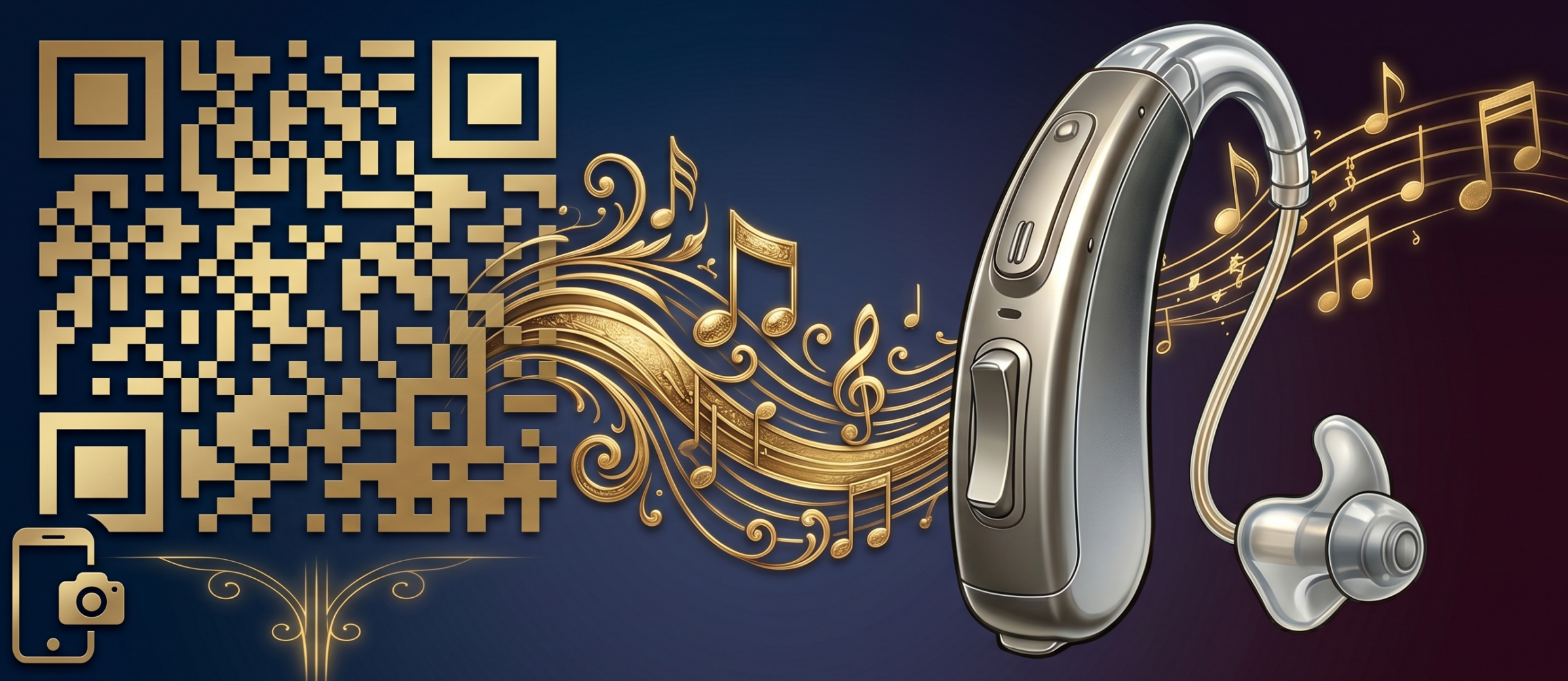
Scan QR code
Use Your App:
Open the companion app for your hearing aid on your smartphone.
Scan QR Code:
Find the StageCast QR code (Located in our lobby)
Open the “Auracast” or “Broadcast” feature within your app.
Look for a button called “Scan QR code” or similar
Companion will:
“find” the S.T.A.G.E. broadcast ID and tell your hearing aids to switch their input to our specific stream
[/cm
HEARING AID | OPTION 2
Scan for StageCast
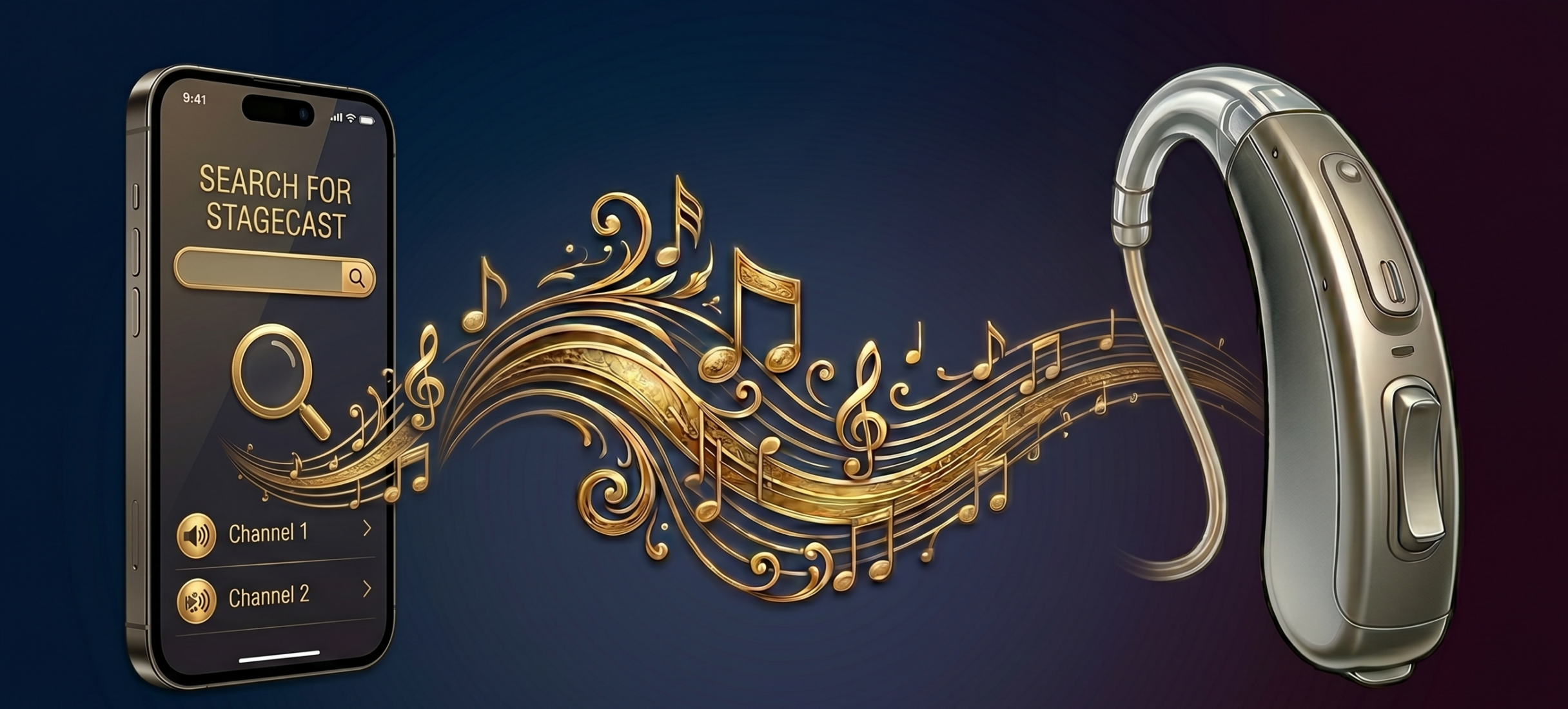
Use Your App:
Open the companion app for your hearing aid on your smartphone.
Scan for Broadcast:
Use the “Auracast Assistant” or “Broadcast Scan” feature within your app.
Select “STAGE_AUDIO”:
Tap to join the stream and enjoy the show.
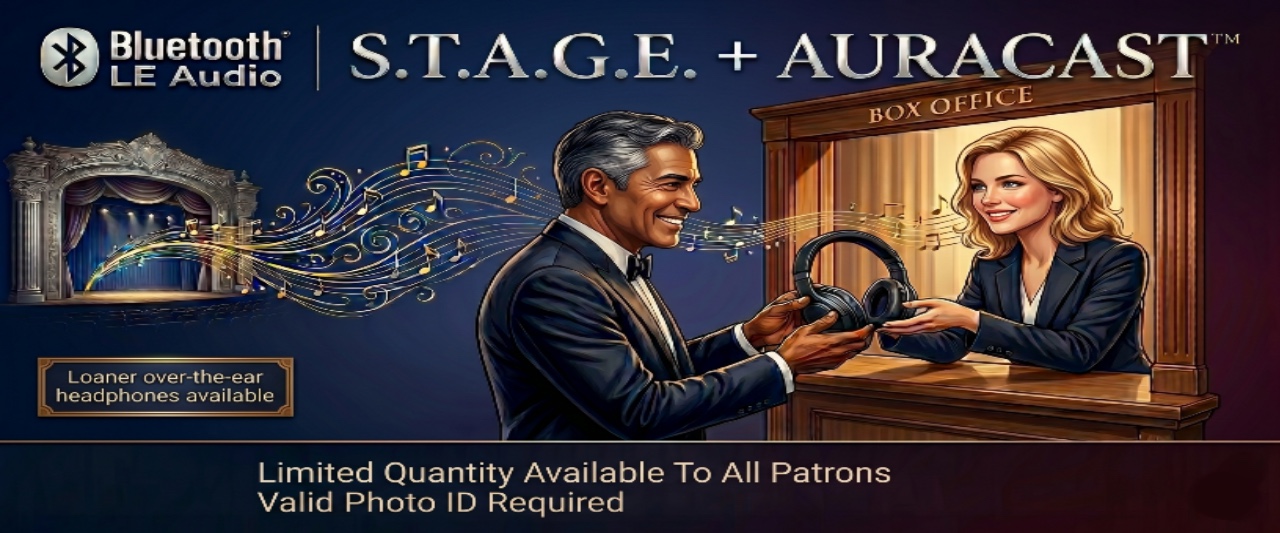
LOANER OVER-THE-EAR HEADPHONE | INQUIRE AT BOX OFFICE
How it works
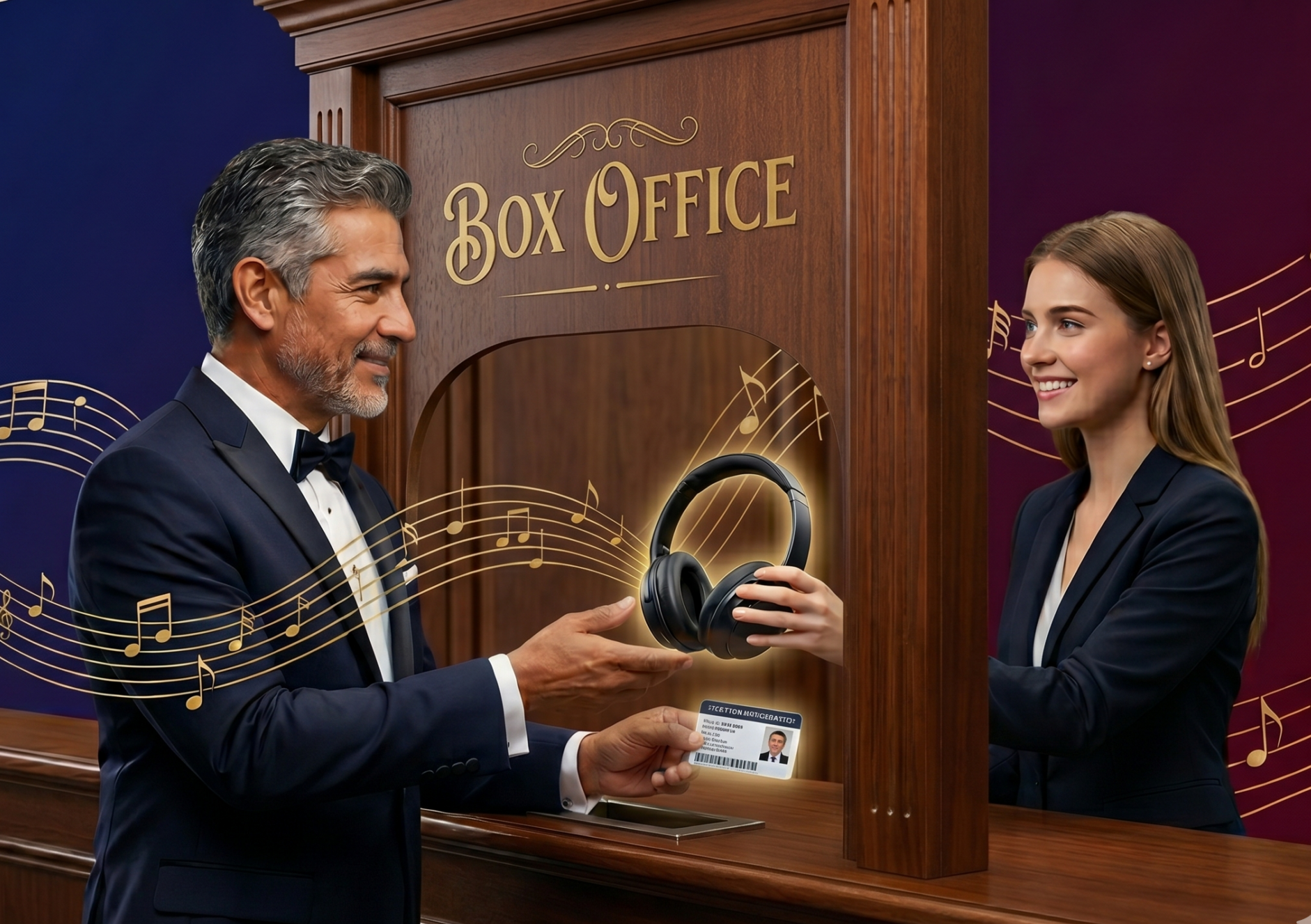
Inquire at our box office:
Bring your ID and head over to our box office located in the lobby near the main entrance.
Associate will demonstrate how to use the headphones
Adjust the volume control to your liking and enjoy the show!
Return Headphones:
Return the headphones and retrieve your ID.